Who Cleans Up After the Coding Agents? Vibe Coding Has a Garbage Collection Problem
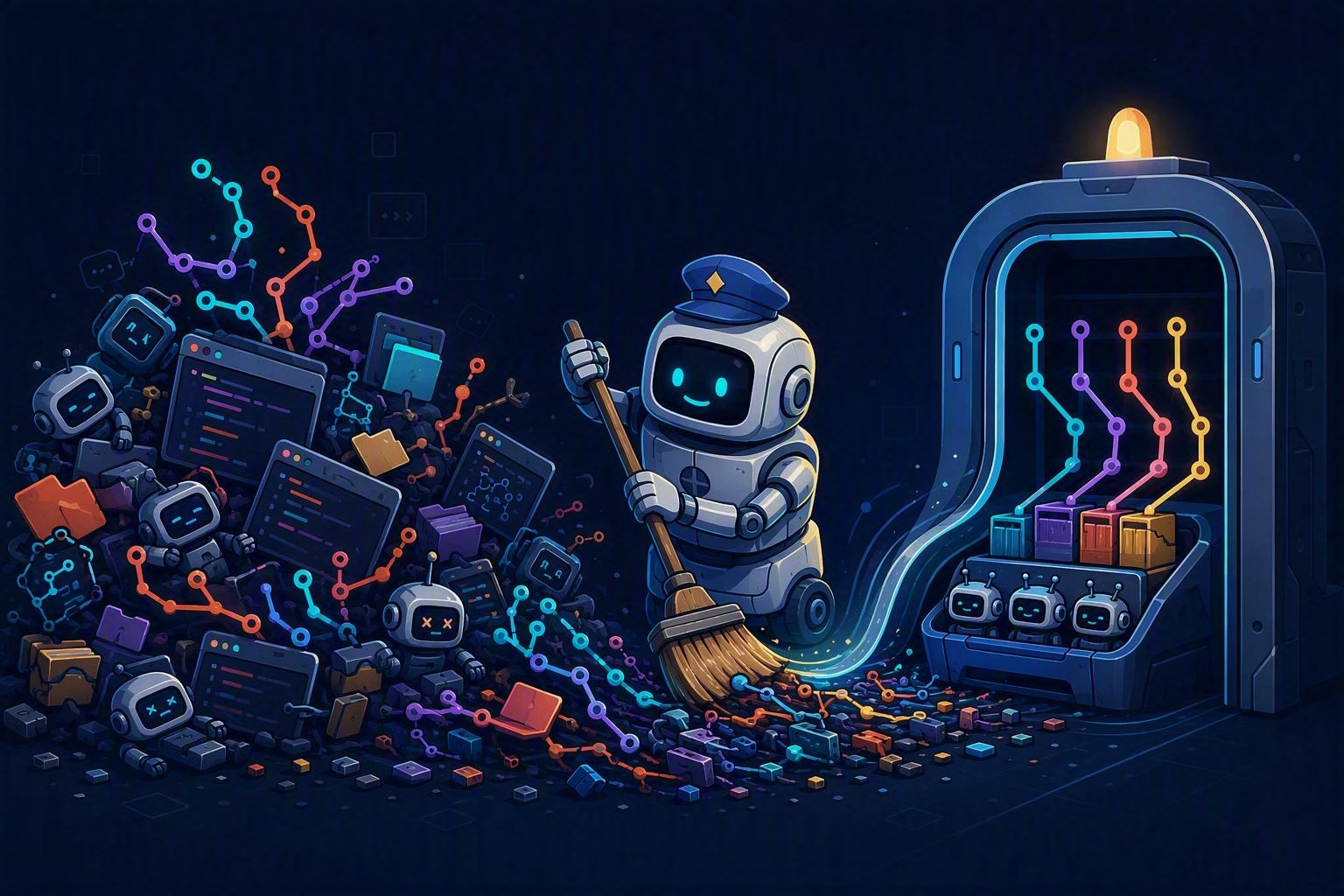
Opening a coding agent app feels clean.
Each task has a name. Each session has a tidy little home. I can ask one agent to fix a bug, send another to explore an idea, and start a third on a follow-up without watching them trip over each other.
Then I looked under ~/workspace.
The app was clean. The filesystem was not.
That gap is becoming one of the defining problems of agentic coding. AI has removed a huge amount of the cost of starting work. I can go from thought to branch in seconds. But it has multiplied the lifecycle cost of tracking, finishing, and cleaning that work. Every cheap start creates something that may eventually need a decision.
Vibe coding has a garbage collection problem.
The architecture is right
Parallel coding agents need isolation. If two sessions are editing the same checkout, one can overwrite the other’s files, change its dependencies, or leave the repository in a state neither agent understands.
Git worktrees are an elegant answer. Each session gets its own directory and branch while sharing the underlying repository data. The agents can work in parallel, commits stay attributable to a task, and I can review each result independently.
I do not want to trade that architecture away. It is one of the reasons parallel agent workflows work at all.
The problem comes later.
A product session and a Git branch begin life together, but they do not necessarily end together. A pull request gets squash-merged. The GitHub branch gets deleted. The local branch remains. The session stays visible because I might want to continue it. Or I archive the session but forget the remote. Or I retain a worktree intentionally, return two weeks later, and no longer remember whether the files inside it matter.
The product lifecycle and the Git lifecycle drift apart.
I finally took inventory
I asked Copilot to help me understand what had accumulated across my machine. We scanned 41 repositories.
The initial inventory found:
- 13 app-managed worktrees
- 30 conventionally merged branches
- 17 patch- or squash-equivalent branches
- 8 branches that clearly needed review
- 40 apparently local-unmerged branches
- 12 remote-cleanup candidates
Those numbers looked bad. They also turned out to be incomplete in exactly the way a safe cleanup tool should be incomplete.
After PR-aware checks and manual review, we ultimately removed 96 local branches, deleted or confirmed absent 17 GitHub remotes, and removed one truly orphaned worktree.
Ninety-six branches sounds like I had abandoned 96 pieces of work. I had not.
Most of the scary-looking branches were already merged. Many had gone through squash merges, so their original commits were not ancestors of the default branch. Git’s normal merged-branch check could not recognize them as complete even though the change was already in main.
And only one worktree was truly orphaned. The others belonged to sessions I had intentionally retained. They were not garbage. They were state.
That distinction matters.
Git can answer the wrong question correctly
The simplest cleanup command asks whether a branch is merged into the default branch. That is a useful question, but it is not the same as asking whether the work shipped.
With a regular merge, Git ancestry tells a clean story. With a squash merge, the destination branch contains the patch but not the source commits. A branch can therefore look unmerged while every meaningful line of it is already in production.
Patch-equivalence checks can recover some of that signal. PR metadata can recover more. Neither makes the decision automatic in every case.
Then there are the different layers of state:
- A pull request can be merged while its local branch remains.
- A GitHub branch can be deleted while the local branch remains.
- A local branch can be safe to delete while an app session still depends on its worktree.
- A session can look finished while its worktree contains untracked files that were never committed.
During this cleanup, some worktrees contained uncommitted screenshots and configuration artifacts. Maybe they were disposable. Maybe they were the only copy of something I meant to keep. A tool cannot safely guess.
This is why I do not think the mess is primarily user error. The system is distributed across Git, GitHub, the local filesystem, pull requests, and the coding-agent app. Those systems are allowed to disagree. Cleanup has to be conservative because deleting the wrong branch or worktree can lose commits or untracked files.
“Delete everything stale” is not garbage collection. It is data loss with good branding.
We built a Git Hygiene canvas
The cleanup started as a conversation and turned into a small tool: a Git Hygiene canvas for the GitHub Copilot app.
It is not a polished official product. It is a practical personal extension Copilot and I built because we needed it, then packaged so other people could try it.

This is the after-cleanup view, not the initial 96-branch state. I hid the repository list so the screenshot would not expose internal project names.
The canvas scans repositories under ~/workspace by default and gives me two levels of inspection:
- Fast scan collects the cheap, local facts: worktrees, local branches, remote branches, default branches, active branches, and last-commit age.
- Deep scan does the more expensive comparison work needed to find branches whose patches appear to have landed even when ancestry says they did not.
It categorizes branches instead of flattening them into one scary list. It shows age because a branch committed ten minutes ago deserves different treatment from one untouched for six months. It tracks worktrees, local branches, and remotes separately because they are separate objects with separate lifecycles.
The guardrails are more important than the scan.
The canvas prevents deletion of default branches and branches active in a worktree. It refuses to directly remove app-managed worktrees; those should be removed by archiving the corresponding session so the app can clean up its own state. Local and remote deletion are separate actions. If I force-delete a local branch while its GitHub remote still exists, the row stays visible rather than pretending the cleanup is complete.
That last behavior sounds small. It is the whole thesis in miniature: cleanup should reflect reality, not reward me with a green checkmark too early.
The canvas helped me review faster, but it did not independently prove that all 96 branches were safe to delete. The fast scan surfaced candidates. The deep scan found patch-equivalent cases. PR state and human review resolved the ambiguous remainder.
That is the model I trust: automate the inventory, improve the evidence, keep destructive decisions observable.
What I am changing now
The most useful outcome was not the branch count. It was a better operating rhythm.
I reuse sessions for follow-ups. If a new request belongs to existing work, continuing the original session preserves context and avoids creating another branch-worktree pair for a tiny change.
I archive completed sessions. App-managed worktrees should be removed through the app, not with a manual git worktree remove. Archiving keeps the product’s state aligned with Git’s state.
I inspect untracked files before cleanup. Commits are not the only valuable content in a worktree. Screenshots, generated artifacts, local configuration, and notes can exist outside Git history.
I run a Deep scan periodically. Not after every session. Just often enough that six months of cheap starts do not become an archaeology project.
I keep local and remote cleanup mentally separate. Deleting a branch on GitHub does not delete my local branch. Deleting my local branch does not remove the remote.
I enable GitHub’s automatic deletion of head branches after pull requests merge. That removes one class of residue. It does not solve local cleanup, but it narrows the state space.
And I do not manually remove app-managed worktrees. The session is the owner. The session should be the thing I archive.
What the product lifecycle still needs
Personal discipline helps, but this should not remain a personal-discipline problem.
Agentic coding products should understand the full lifecycle they create. I want:
- PR-aware squash detection. If the session’s pull request merged via squash, the product should know the work shipped even when Git ancestry does not.
- Stale-session reminders. Not “delete this old thing,” but “this session has been inactive for 30 days; here is its PR state, unpushed commit count, untracked-file count, and last activity.”
- Archive and clean as one safe workflow. Archive the product session, remove its managed worktree, offer separate local-branch and remote-branch cleanup, and show exactly what will remain.
- Recovery information. Before destructive actions, show the branch tip, commit SHA, PR link, reflog or recovery window where available, and whether untracked files exist.
- An integrated lifecycle dashboard. Sessions, worktrees, local branches, remotes, and pull requests should be visible as one connected graph, not five tabs I reconcile in my head.
The product that makes spawning agents effortless also needs to make completion legible.
I submitted a feature request to the GitHub Copilot app team asking for built-in lifecycle and cleanup capabilities across branches, worktrees, and completed sessions. That is a request, not a roadmap commitment. We’ll see if the team gets a chance to build something like this into the app.
Try the canvas
I packaged the Git Hygiene canvas as a portable extension in this gist.
In a GitHub Copilot app Quick Chat, ask:
Install the Git Hygiene canvas extension from https://gist.github.com/seligj95/87ea4914fb83e87f5d4f2e5b5c7de08e
Once it is installed, ask Quick Chat:
Open the Git Hygiene canvas
The canvas scans ~/workspace by default. If your repositories live somewhere else, specify that workspace root when you ask Quick Chat to open or scan it.
This is a community/personal extension, not an official GitHub feature. Inspect the gist before installing it, review what each action will do, and do not allow destructive operations until you understand which repository, branch, worktree, and remote they affect.
The safest first use is an inventory. Scan. Read the categories. Open the questionable repositories yourself. Treat deletion as the final step, not the feature.
Safe and observable
AI coding has made beginnings abundant. That is real progress. Ideas that used to lose to setup cost now get a branch, a worktree, and a credible implementation attempt.
But abundance changes the bottleneck.
The hard part is no longer only producing code. It is knowing which work is active, which work shipped under a different commit history, which work is safe to archive, and which forgotten directory still contains the only copy of something important.
Agentic coding needs garbage collection.
But it cannot be the invisible kind. It has to understand pull requests and sessions, respect ownership boundaries, surface untracked state, separate local from remote, and leave a recovery trail.
And by the way, this is not the correct way to manage vibe coding, parallel sessions, branches, worktrees, and cleanup. It is simply the workflow I have picked up over time by using the tools and learning as I go. If you have better recommendations or practices, share them in the comments. And if you are dealing with the same clutter and lifecycle problem, I would especially like to hear how you manage it—or how you have overcome it.
Make starting cheap.
Make finishing obvious.
Make cleanup safe.
Comments