The Iceberg Demo: Why the Best Ones Look Boring
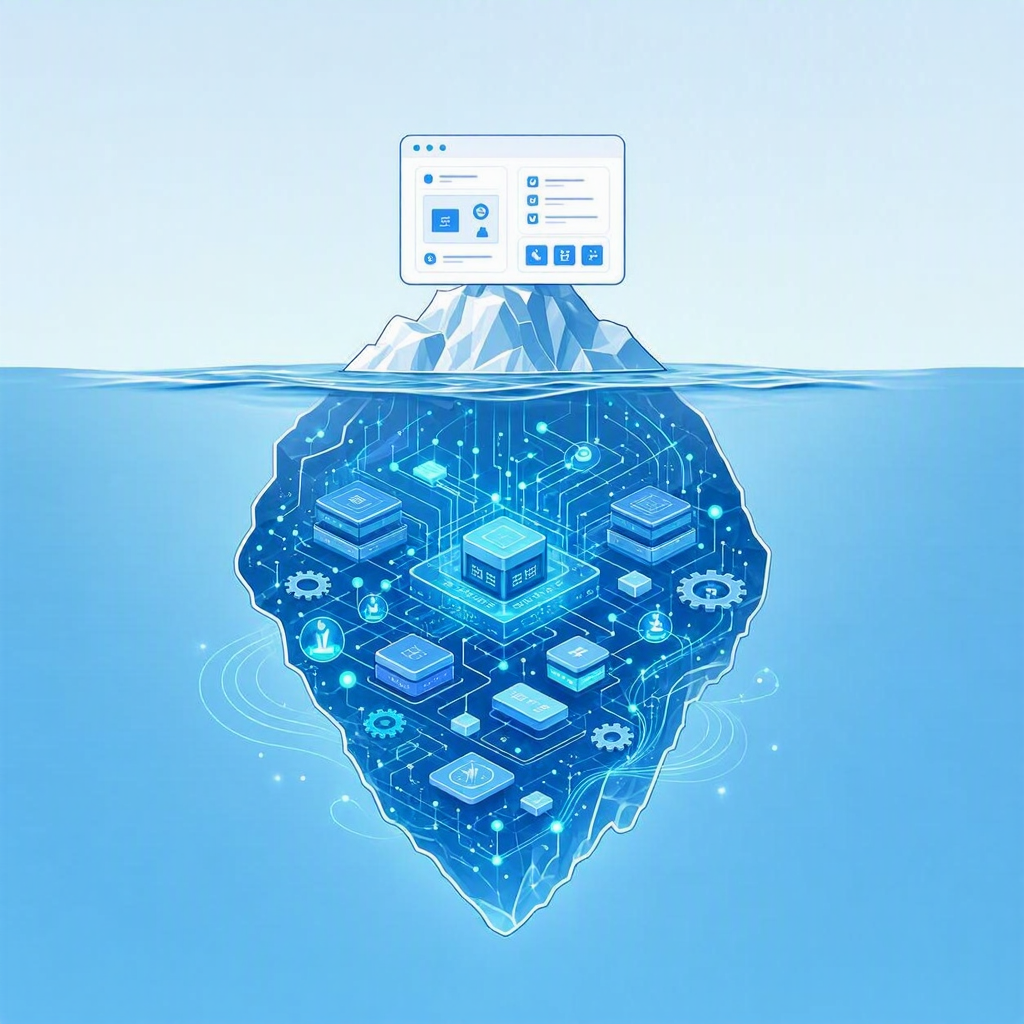
Here’s a demo I gave recently. On screen: an online shopping store. Product grid, a search box, a cart, a checkout button. It looks like every e-commerce tutorial you’ve ever skimmed. If you walked past the screen, you’d think, okay, it’s a store, what’s the big deal.
That’s the point. And also — that’s the problem.
Because underneath that boring little storefront is one of the more interesting stacks I’ve worked on: a legacy app that used to live on-prem, lifted into the cloud with no code changes, then wired up with a Model Context Protocol server and a team of AI agents. None of that is visible. The store just… works. It looks like nothing.
I’ve started calling these iceberg demos. The part above the waterline is deliberately plain — a to-do app, a store, a form. The part below the waterline is enormous, and it’s growing faster than the tip ever will.
The tip everyone sees
We reach for boring surfaces on purpose. A to-do list or a shopping store is instantly legible — nobody needs a tour to understand what it does, so the audience’s attention is free to land on the actual thing you’re showing: the platform, the migration path, the AI capability. The vanilla UI is a feature. It gets out of the way.
The trouble is that “gets out of the way” and “looks like it took no effort” are the same picture. When the surface is simple enough, people assume the whole thing is simple. The work disappears into the demo. And right now, more work is disappearing into demos than ever before, because the tools underneath have gotten so good that a mountain of capability can hide behind a checkout button.
What’s actually under the water
Let me make it concrete with the one I mentioned — the store I demoed with two of my teammates for .NET Day.
Above the waterline: a normal shopping site running on Azure App Service.
Below the waterline, in order:
- It started as a legacy app hosted on-prem. Not a greenfield sample. The kind of app a real team actually has — running somewhere it’s hard to change, carrying dependencies nobody wants to touch.
- We modernized and migrated it to App Service with no code changes, using App Service Managed Instance. That “no code changes” part is doing a lot of quiet lifting. The app moved from on-prem to a managed cloud platform without a rewrite.
- Then we made it intelligent. We added AI functionality using new platform features — built-in MCP for App Service, which turns the API the store already exposes into tools an agent can call, and multi-agent hosting so those agents run right there on App Service alongside the app.
So the journey inside that “simple store” is: on-prem legacy monolith → managed cloud app, unchanged → AI- and agent-enabled app. On screen, it’s a store. Underneath, it’s a modernization-and-AI story that a year or two ago would have been three separate projects and a much longer runway.
If you want to see the below-the-water part with your own eyes, watch the session — my teammates did a fantastic job walking through how it all fits together. And while you’re there, watch the rest of the .NET Day sessions too. There’s a lot of good work in that playlist, and a lot of the same iceberg energy across all of it.
This isn’t just me
Here’s the thing I actually want to say, and it’s bigger than one store.
Every PM, every developer advocate, every engineer building a demo right now is living this. We’re all standing on stage in front of something that looks simple, holding back the urge to say “you have no idea how much is happening under here.” The surfaces keep getting simpler. The depth keeps getting deeper. AI and a steady stream of new platform features have collapsed the effort it takes to build genuinely sophisticated things — which means the gap between how simple it looks and how much is really there has never been wider.
That’s mostly a good story. It means a small team can migrate a legacy app and bolt on multi-agent AI in the time it used to take to write a spec. But it comes with a tax: the more effortless the result looks, the easier it is to underestimate what the platform is doing for you, and the harder it is to show people what’s genuinely possible.
The App Service version of this problem
My job on App Service is basically to fight that underestimation.
App Service has a reputation as the friendly, no-drama place to host a web app or an API — and it is. But that reputation quietly undersells it. The same platform will take a legacy on-prem app and modernize it via Managed Instance with no rewrite, turn an existing API into agent-callable tools with built-in MCP, and host a whole multi-agent system — and it’ll do all of that without you leaving the operational model you already know.
That flexibility is exactly what makes it hard to demo. App Service is agnostic almost to a fault: it doesn’t force the AI-ness or the agent-ness to the surface. It just runs your thing. So when the thing on screen is a plain store, the natural assumption is “oh, App Service does simple stores.” No — App Service ran the simple store and the migration and the MCP server and the agents, and made it look like a simple store. The invisibility is the achievement. It’s also the marketing problem.
I don’t think the answer is to make the demos flashier. The plain surface is the right call. The answer is to occasionally point at the water and say: look how deep this goes. That’s what this post is.
So, next time a demo looks boring
Look under the water.
That unremarkable to-do app might be a stateless service scaling on demand. That plain store might be a modernized legacy monolith with a fleet of agents behind the checkout button. The simplicity you’re looking at usually isn’t the absence of sophistication — it’s sophistication that did its job well enough to get out of the way.
If you build these things too, I’d love to compare notes on how you show the depth without ruining the simplicity. And if you’re trying to figure out where to run AI and agentic workloads: give App Service a real look. Start with the Managed Instance modernization path, try built-in MCP on an API you already have, and go watch the .NET Day session to see the whole iceberg in one place.
It looks like a to-do list. It’s not.
Comments